
Krikya Registration Process in Bangladesh
Creating an account on Krikya opens access to a full range of casino games and sports betting options, all available to real-money players in Bangladesh. You can complete the sign up process through several methods, including by phone number, by email, via social media, or in one click, so you choose the path that suits you. Once your account is active, you can make deposits, request withdrawals, and start playing right away. New users are also eligible for a welcome bonus, ওয়েলকাম বোনাস, offering up to 500% on your first deposit up to BDT 20,000, and a first deposit bonus of up to 250% worth BDT 53,000.
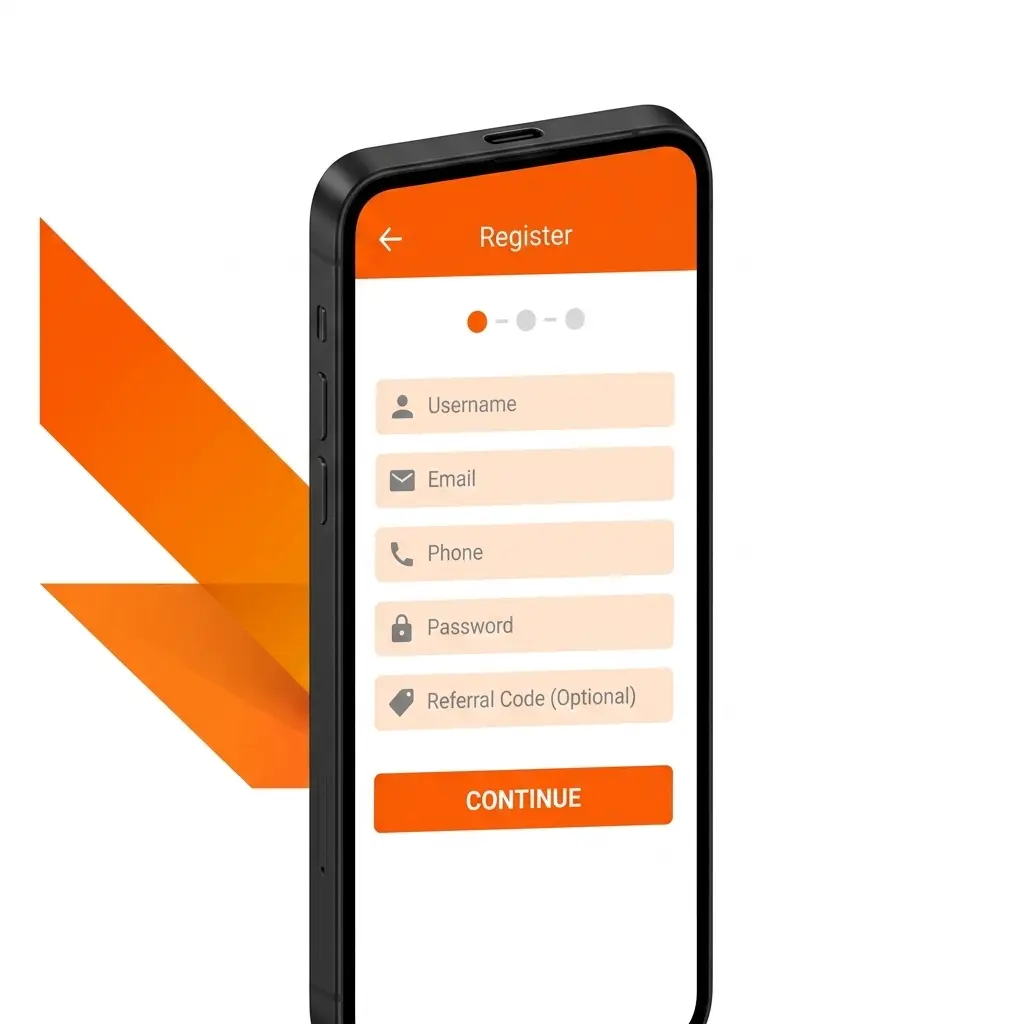
All Available Registration Options on Krikya
There are multiple ways to create a new account on Krikya, so you can choose the method that fits your situation. The available registration options include:
- By Phone Number
- By Email
- Via Social Media
- One-Click Sign Up
Register by Phone Number
Registering by phone number is the most direct method for users in Bangladesh, as it ties your account to your mobile number for easy access and account recovery. Follow these steps to complete the process:
- Open the Krikya website and click the “Register” button.
- Select “Phone Number” as your registration method.
- Enter your mobile number and set a password for your account.
- Enter the OTP (one-time password) sent to your number to verify it.
- Complete any remaining profile fields and confirm your account.
Register by Email
Email registration gives you a permanent login credential linked to your inbox, which is useful for users who prefer email-based account management. Follow these steps:
- Click the “Register” button on the Krikya site.
- Select “Email” as your preferred sign up method.
- Enter a valid email address and create a secure password.
- Check your inbox for a verification link and click it to confirm your email.
- Fill in any additional required details to activate your account.
Register via Social Media
Social media registration lets you link your existing account on a supported platform, removing the need to remember a separate password. Here is how to proceed:
- Click “Register” on the Krikya website.
- Choose the social media option (such as Google or Facebook).
- Select and authorise your social media profile when prompted.
- Review the permissions requested and confirm access.
- Complete any remaining profile details if asked, then confirm your new account.
One-Click Sign Up
The one-click option is designed for users who want to create an account as fast as possible, with minimal information required at the start. Follow these steps:
- Click the “Register” button on the official site.
- Select the one-click registration option.
- Choose your preferred currency (BDT for Bangladesh).
- Save the auto-generated login credentials displayed on screen.
- Optionally add a phone number or email later to secure your account further.
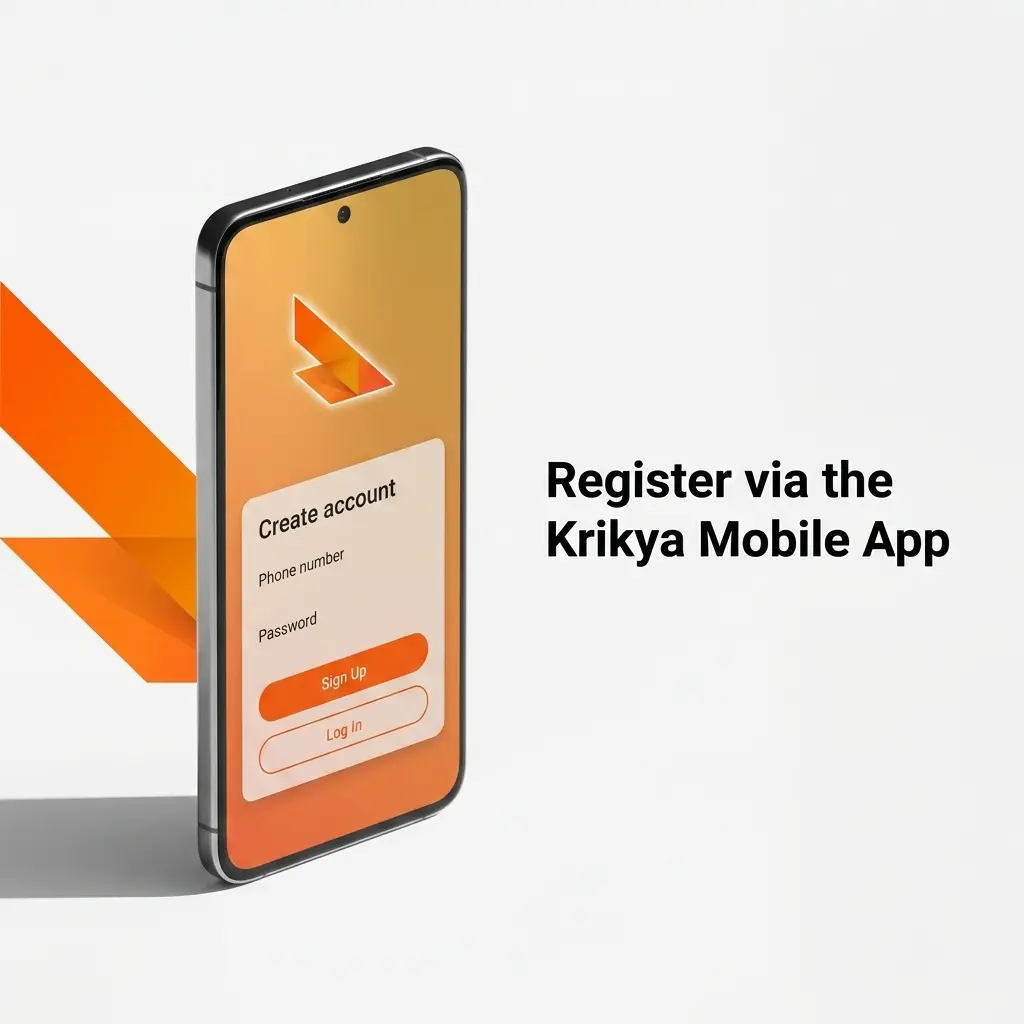
Register via the Krikya Mobile App
The Krikya mobile app offers the same full registration process as the desktop site, but optimised for smaller screens and on-the-go access. You can use any of the available registration methods directly within the app. Here is how to get started:
- Download and Install: Go to the official Krikya website on your mobile browser, download the app for your device (Android APK or iOS), and install it following your device’s instructions.
- Open the App and Start Registration: Launch the app and tap the “Register” button on the home screen.
- Choose Your Method: Select your preferred sign up method, phone number, email, social media, or one-click, and enter the details required for that option.
- Verify Your Account: Complete the verification step for your chosen method (OTP for phone, email link for email, or social media authorisation).
- Confirm and Log In: Once your account is created, log in with your credentials to access your personal account, make your first deposit, and claim your welcome bonus.
Account Registration Requirements
Before you create an account, there are specific rules you must meet to ensure your registration is valid and your account remains in good standing. These requirements are in place to protect both you and the platform, and to comply with applicable regulations. All users must be of legal gambling age, and each person is allowed only one account. Providing accurate personal details at the point of sign up is mandatory, as any false information may result in account suspension.
- You must be at least 18 years of age to register and use the platform.
- You must reside in a location where online gambling is not prohibited under local law.
- Only one account per person is permitted; duplicate accounts will be closed.
- All personal information you provide during registration must be accurate and up to date.
- You are responsible for maintaining the security of your login credentials and must not share account access with others.
Login to Krikya Account
Logging in to your account is straightforward and takes only a few seconds once your registration is complete. Follow these steps:
- Click the “Log In” button on this page to go to the login screen.
- Enter the credentials linked to your chosen registration method: your phone number and password, your email and password, or sign in via your connected social media profile.
- If prompted, complete any two-step verification required for your account.
- Once authenticated, you will land on your personal account dashboard, where you can access your balance, bonuses, and all platform features.
Account Verification Process
Account verification is a required step that confirms your identity and protects your funds. Without completing verification, your ability to withdraw winnings may be restricted. Completing this process also ensures your account is fully secured against unauthorised access. Here are the stages of verification:
- Basic Profile Completion: After registration, fill in your full name, date of birth, and contact details in your account settings.
- Identity Document Upload: Submit a clear photo or scan of a government-issued ID, such as a national identity card or passport.
- Address Verification: Provide a recent utility bill or bank statement dated within the last three months to confirm your address.
- Payment Method Verification: If required, confirm the payment method you plan to use for deposits and withdrawals.
- Review and Approval: The verification team reviews your submitted documents. You will be notified once your account is approved and full access is granted.
Welcome Bonuses for New Users from Bangladesh
New users in Bangladesh can access two separate welcome bonus offers upon completing registration and making their first deposit. One bonus is designed for casino players and the other for sports bettors, so you can claim the one that matches how you plan to use the platform. Both bonuses require a qualifying deposit to activate, and specific wagering conditions apply to each.

Welcome Bonus for Casino Players
The casino welcome bonus gives new users a significant boost on their first deposit, giving you more funds to explore the slots, live casino, and table games sections. This offer is available exclusively to newly registered users who have not previously claimed any deposit bonus.
| Detail | Information |
|---|---|
| Bonus Size | 500% up to BDT 20,000 on your first deposit |
| How to Claim | Make your first deposit after registration; the bonus is credited automatically |
| Minimum Deposit | Check current platform terms for the minimum qualifying amount |
| Wagering Requirements | Bonus funds are subject to wagering requirements; review the current terms in your account bonus section |
Welcome Bonus for Sports Betting
The sports betting welcome bonus rewards new users who prefer to place bets on cricket, football, and other sports available on the platform. It is credited after your first qualifying deposit and can be used on eligible sports markets.
| Detail | Information |
|---|---|
| Bonus Size | 250% up to BDT 53,000 on your first deposit |
| How to Claim | Deposit funds after registration and select the sports bonus if prompted |
| Minimum Deposit | Refer to the current bonus terms in your personal account for the exact minimum |
| Wagering Requirements | Wagering conditions apply; check the bonus terms section in your account for full details |
Account Overview
Your personal account is the central hub for managing everything related to your activity on the platform. Once you are logged in, you have access to the following features:
- Balance and Transactions: View your current balance, deposit history, withdrawal history, and pending transactions in one place.
- Bonus Centre: See all active and available bonuses linked to your account, including wagering progress and expiry dates.
- Deposit: Add funds to your account using your preferred payment method, with support for local options popular in Bangladesh.
- Withdrawal: Request a payout of your winnings directly to your chosen withdrawal method.
- Betting History: Review all past bets and casino sessions, including outcomes and amounts staked.
- Account Settings: Update your personal details, change your password, and manage your contact information.
- Verification Centre: Upload and track the status of your identity documents for KYC compliance.
- Responsible Gambling Tools: Set deposit limits, session time limits, or self-exclusion options to help manage your activity.
Possible Problems and Their Solutions When Registering on Krikya
Some users encounter issues during the sign up or account creation process. The table below covers the most common problems and how to resolve them.
| Problem | Solution |
|---|---|
| OTP not received during phone number registration | Check that the number entered is correct. Wait 60 seconds and request a new OTP. Ensure your phone has network coverage. |
| Email verification link not arriving | Check your spam or junk folder. If still missing, return to the registration page and request a new verification email. |
| Social media login fails or returns an error | Ensure you are logged in to the correct social media account in your browser or device. Clear cookies and try again. |
| “Account already exists” message appearing | This indicates an account may already be registered with your details. Use the login page and try the password recovery option. |
| Registration form not submitting | Confirm all required fields are completed correctly. Check your internet connection and try refreshing the page before resubmitting. |
Steps to Delete a Personal Account
You may decide to close your account for personal reasons, including taking a break from gambling or no longer wishing to use the platform. Note that any remaining balance should be withdrawn before submitting a closure request, as processing times may vary.
- Log in to your personal account and navigate to the Account Settings section.
- Look for the account closure or deactivation option, typically found under a “Privacy” or “Security” subsection within settings.
- Follow the on-screen instructions, which may include confirming your identity and providing a reason for closure.
- Submit the request and await confirmation via the email or phone number linked to your account.
FAQ
How long does the registration process take?
Completing the sign up form takes under two minutes for most methods. Phone and social media registration are the fastest options. Email registration may take slightly longer due to the inbox verification step.
Can I register from Bangladesh using a mobile browser?
Yes. The platform is fully accessible via mobile browsers on Android and iOS devices. You do not need to download the app to create an account or access your profile.
Is it possible to change my registration method after sign up?
You can add additional login methods, such as linking an email to a phone-registered account, through your account settings. However, you cannot remove the original registration method used at sign up.
How do I recover access to my account if I forget my password?
On the login screen, select the password recovery option. Enter your registered phone number or email address, and follow the instructions sent to you to reset your credentials.
Are there any fees for creating an account?
No. Account creation on the platform is completely free. Fees may apply to certain deposit or withdrawal methods, but registration itself carries no cost.